Paper pulls go stale. Chat updates get missed. One person ends up explaining the batch while everyone else waits. Pull Sessions turn open TCGplayer orders into a fixed, visual batch your team can run from phones or tablets.
The expensive part is not just finding the card. It is deciding which orders belong in the batch, splitting the floor by game, explaining exceptions, and knowing whether the pull is done.
When the work lives on paper, every change creates doubt. Did this order make the pull? Who has the Magic stack? Was the missing card skipped or deferred?
A manager starts from Sales > Pulls. Hoard snapshots the eligible open orders and prints a cover sheet with one QR code per game. Each QR opens the right queue on a phone or tablet.
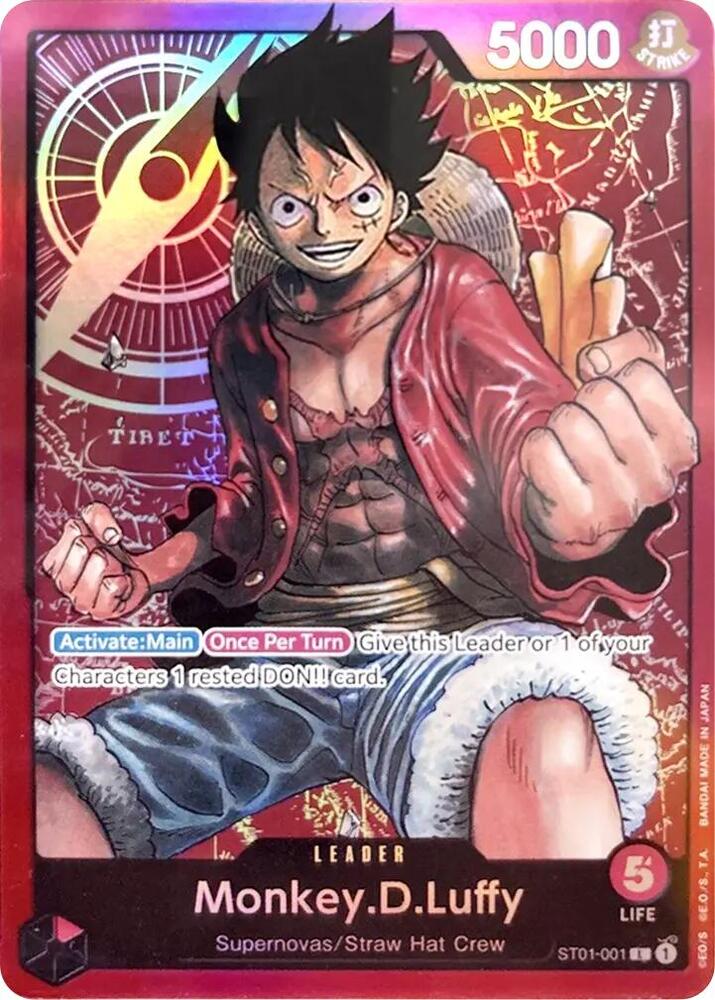
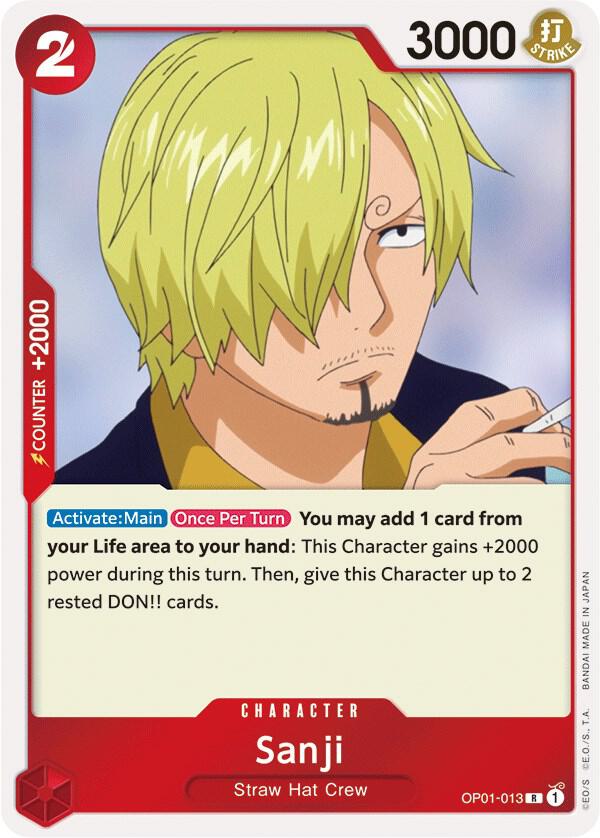
Pullers see the next card, the exact product, the condition, the quantity, and the shipping context. If something needs research, they defer it and keep the rest of the batch moving.
The page is built around the questions that slow a real shop down during the morning pull.
Choose the open orders for this session. The manifest stays stable while new orders wait for the next pull.
Use one cover sheet with QR codes grouped by game, so the right person can start in the right part of the room.
Phones and tablets show card art, condition, quantity, bin context, buyer context, and shipping priority.
Missing cards and condition questions move to the end, where a manager can resolve them without blocking clean pulls.
At volume, fulfillment quality depends on shared state. Everyone needs to know what is in the batch, what is next, what was deferred, and where the session stands.
Pull Sessions make the pull visible and repeatable. The team can split the work, managers can see progress, and exceptions stop turning into mystery orders at the end of the day.
Fixed sessions, QR queues by game, visual picking, manager progress, and clean exception handling for high-volume TCGplayer fulfillment.