Hoard Hoard Hoard
Movers & Sleepers

Cards spike overnight.
Yours already adjusted.

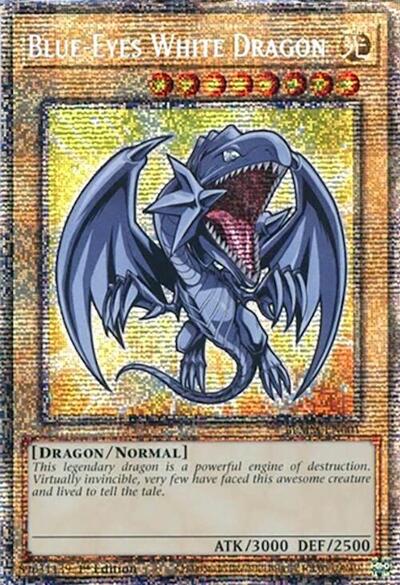
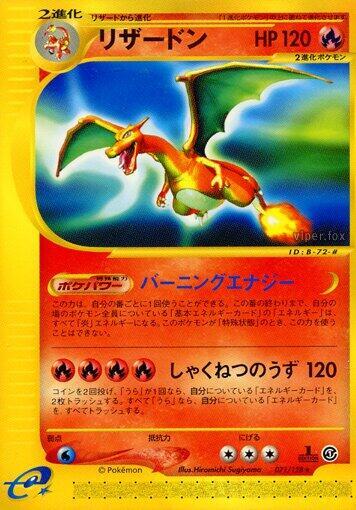
Every sync, Hoard checks market prices for every card you own. Spikes and drops show up with card art, the price change, and whether you're positioned right.

Hoard Movers tab showing today's price gainers across your inventory, with card thumbnails and percentage changes
Top movers with card art, plus a full list of every price change detected in your inventory.
Price movers

Every spike and dip, captured

Biggest movers at the top with card art. What's going up, what's cooling off, immediately visible.

Each card shows the old price, new price, percentage change, and your listed price. You'll see right away if you're sitting on something that just spiked 30%.

Learn more about market movers in the help center
  • Card art, name, and set
  • Old price vs. new price
  • Percentage change
  • Your listed price and where you stand after the move
Sleepers

Slow growth still counts

Not every card spikes in one day. Sleepers catches steady thirty-day movement so you can spot cards quietly walking up before everyone else notices.

Rising and falling sleepers get their own tab with the same card art, dollar move, percentage move, and market price context.

Hoard Sleepers tab showing cards with steady thirty-day price growth and decline
Why it matters

Catch spikes before they cost you

Ban list update. Tournament result. New set spoiler. Prices move overnight. If you're not watching, someone buys your $15 card that's now worth $25.

Hoard catches it. The spike shows up in your Movers tab and gets adjusted on the next sync. You don't need to watch the market because something already is.

Spikes
Adjusted automatically
Drops
Flagged for review
Detection
Every sync cycle
Search and filter

Narrow down to what matters

Filter by card name, set, game, price range, or change threshold. Want just Pokemon movers over 20%? Two clicks.

Movers are grouped by set too. When half a set is moving in the same direction, something happened. Format rotation, new product, ban list. You'll know before most sellers do.

Read about filtering movers in the help center
  • Search by card name
  • Filter by set or game (Magic, Pokemon, One Piece, Yu-Gi-Oh)
  • Filter by price range
  • Filter by percentage change threshold
  • Group by set to spot trends

Never miss a price spike

Movers and sleepers, detected and handled, every sync.